
How to Turn One Product Photo into Multiple Holiday Ad Creatives
Scale Halloween, Christmas, and Black Friday ads from a single product photo — workflow, prompts, resolution strategy, and Reference-to-Video tips.
Creative testing dies when every variant needs a new shoot. The holiday stack (Halloween → Black Friday → Christmas) is the perfect time to treat one strong product photo as a matrix of ads.
This tutorial shows a repeatable workflow on Reference to Video: one still → many holiday directions → measure → refine.
Start with Image to Video → · Control with Reference →
Why one photo scales
| Lever | What you change | What you keep | |-------|-----------------|---------------| | Holiday mood | Direction prompt (light + vibe) | Same SKU still | | Placement | 9:16 / 1:1 / 16:9 | Same still | | Framing | Showcase vs UGC vs Close-up | Same still | | Quality | 480p draft → 720p final | Same still | | Control | I2V → Reference refine | Same still |
You are not regenerating the product — you are regenerating motion and mood.
The matrix (example)
Pick one SKU photo. Generate:
- Halloween amber orbit — I2V
- Black Friday dark push-in — I2V
- Christmas gold gift-table — I2V
- UGC handheld cozy — AI UGC
- Winner → slower pacing — Reference
Budget sketch @ 480p: 4 × 80 + 1 × 120 = 440 credits for a full holiday board from one photo. Promote 1–2 winners to 720p (+80 or +120).
Prompt pack: AI Holiday Product Video Prompts.
Step-by-step workflow
1. Lock the still
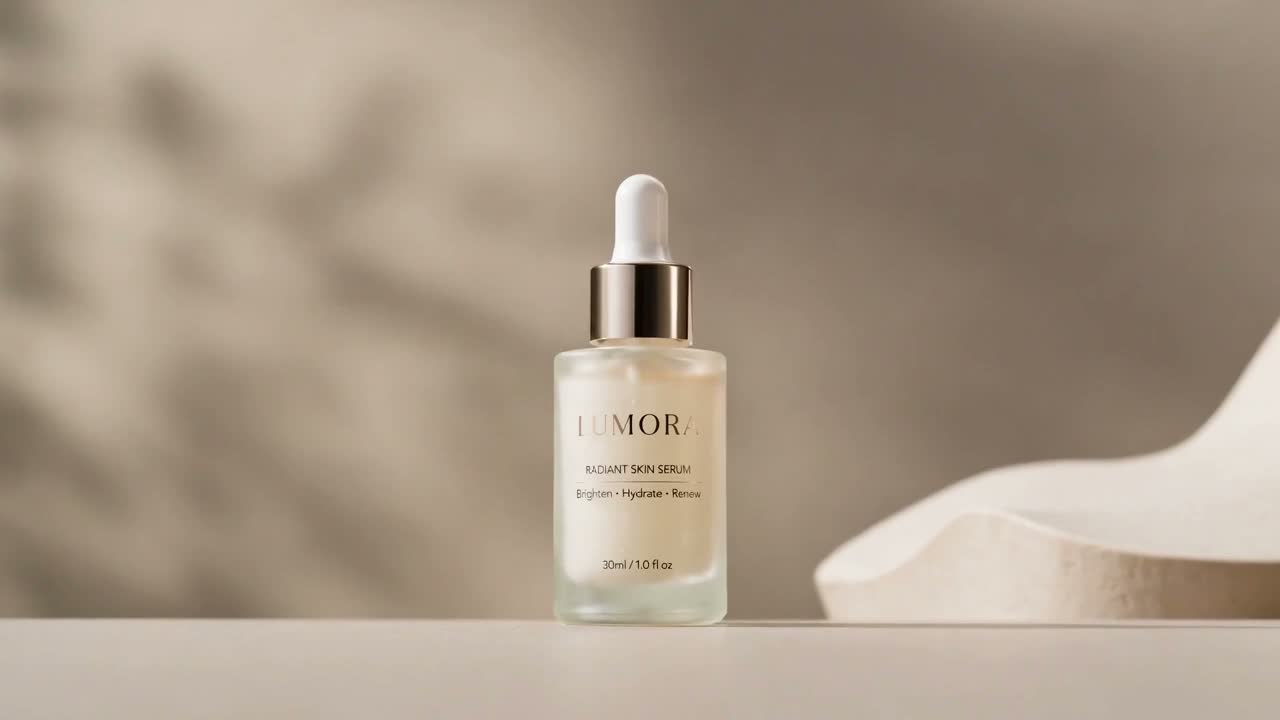
Front-facing, logo readable, minimal compression. If the still is weak, AI motion will not save it.
2. Draft board @ 480p
Run the three holiday moods + one UGC line. Save filenames like sku_hw_orbit_480.mp4.
3. Read early signals
In ads, compare thumb-stop / CTR — not just “which looks nicer.” Kill losers quickly.
4. Refine the winner
Open Reference to Video with the same still. Direction example:
Same product as hard visual reference, slower cinematic push-in, hold on logo final second, keep background simple.
5. Cut placements
Re-render the winner at 1:1 and 9:16 if needed. Overlay price/CTA in your editor — do not rely on the model for accurate sale text.
Pipeline proof
Same stack as production demos:
- Still practice: /demos/image-to-video.jpg
- Motion: /demos/image-to-video.mp4
- UGC: /demos/ai-ugc-video.mp4
- Reference: /demos/reference-to-video.mp4
- Write-ups: Cases
Costs & limits
| | | |--|--| | I2V / UGC | 80 @ 480p · 160 @ 720p | | Reference | 120 @ 480p · 240 @ 720p | | Duration | 6s locked | | Not promised | Lip-sync, VO, perfect label fidelity, ad approval |
CTA
Stop shooting twelve holiday setups for one SKU. Build a matrix from the photo you already trust.
Generate holiday variants · Reference refine · Prompt library