
How to Create Christmas Product Videos from Photos with AI
Turn ecommerce product photos into Christmas gift and promo videos — warm-light prompts, 6s Image-to-Video steps, credits, and honest limits.
Christmas creatives need to work for gift inspiration and merchant ads at the same time. Most DTC teams already have pack shots and lifestyle stills — what they lack is a stack of short motion variants for Reels, TikTok, and Meta.
This guide shows how to turn those photos into Christmas product videos on Image to Video without inventing a fake “holiday shoot.”
Shoppers start gift research earlier each year (Microsoft Advertising 2026 Holiday Shopper trends). October–November is when you should be testing Christmas clips, not waiting for December 1.
Turn Your Product Photo into a Christmas Video →
Christmas video jobs your photo can fill
| Job | Best entry | Why | |-----|------------|-----| | Gift hero / PDP motion | Image to Video | Clean orbit & push-in | | Social “unboxing vibe” | AI UGC | Handheld lifestyle framing | | Refine a winning SKU | Reference to Video | Camera/pacing control (1.5× credits) |
Output is always 6 seconds. I2V/UGC: 80 / 160 credits (480p / 720p). Reference: 120 / 240.
Five Christmas creative patterns
- Warm gift-table showcase — soft gold light, slow orbit
- Ribbon / packaging close-up — macro glide into logo hold
- Set / bundle reveal — lateral move across gift set
- Fireplace / cozy lifestyle — UGC handheld (visual only)
- Premium dark-studio gift shot — dramatic push-in for paid traffic
Pipeline case (same stack as production)
| | | |--|--| | Still | Your Christmas SKU photo (or practice with /demos/image-to-video.jpg) | | Motion demo | /demos/image-to-video.mp4 | | UGC demo | /demos/ai-ugc-video.mp4 | | Settings | Showcase or Lifestyle · 9:16 · 480p draft | | Direction | Christmas prompt below |
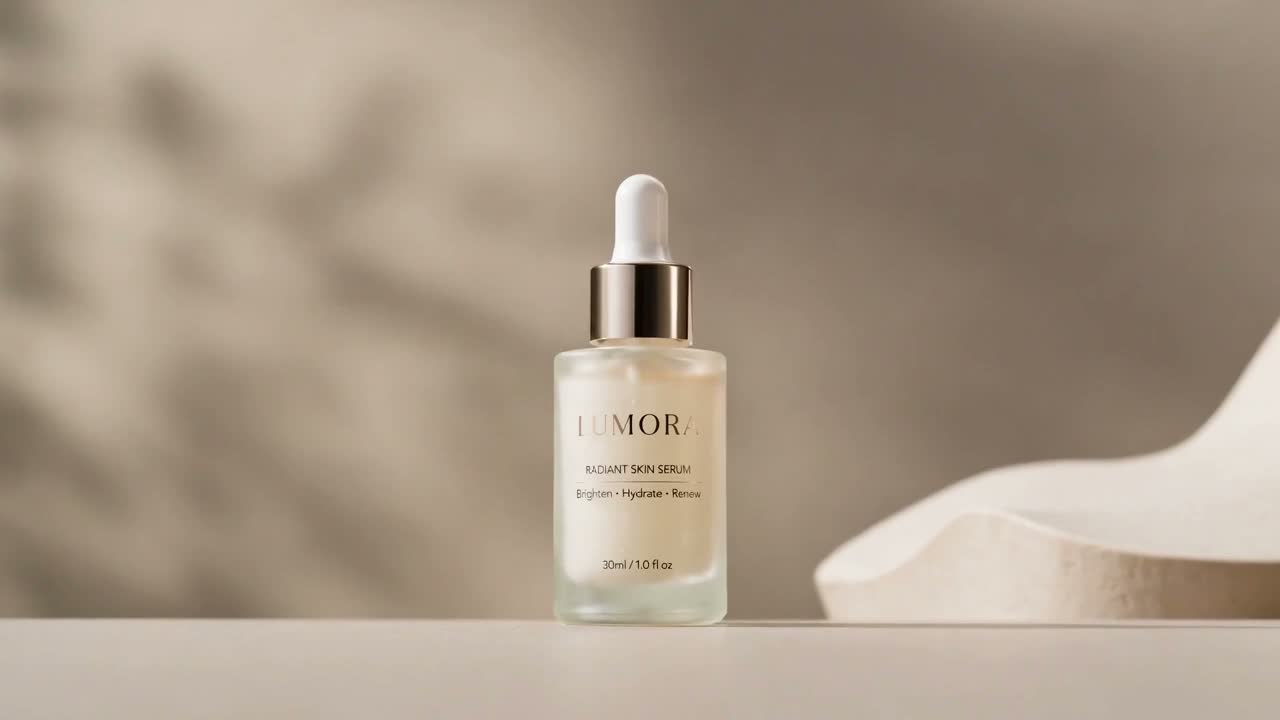
Expect possible drift on fine foil stamps and small text — QA before spend. Details: Cases.
Christmas prompts you can paste
Gift showcase
Slow orbit of the product on a warm Christmas gift table, soft gold key light, gentle bokeh, keep packaging colors logo and shape consistent.
Premium push-in
Cinematic push-in toward the product, cozy holiday studio lighting, clean background, hold on brand mark at the end.
Macro packaging
Macro glide across gift packaging texture and ribbon detail, shallow depth of field, warm Christmas light, product remains identifiable.
Bundle / set
Smooth camera move across a Christmas gift set layout, even soft light, preserve each item’s color and silhouette.
UGC cozy reveal
Handheld lifestyle product reveal in a cozy evening room, soft practical lights, slight natural sway, product stays centered.
→ AI UGC tool
Steps
- Choose a sharp product still (front label visible).
- Open Image to Video.
- Preset → aspect (9:16 social / 1:1 feed) → resolution.
- Paste one Christmas direction.
- Generate · preview · download. Failures release credits.
- Export winners at 720p; keep losers as 480p learning cost.
Limits & fees
No lip-sync, no automatic “Merry Christmas” VO, no 1080p in v1. Commercial use follows provider terms; ad-network approval is on you.
Pricing · Refund Policy
CTA
Turn Your Product Photo into a Christmas Video · 12 Christmas ad ideas · Holiday prompts pack