
How to Make Black Friday Video Ads from Product Photos
Build Black Friday and Cyber Monday short video ads from product photos — five creative types, prompts, credits, and Image-to-Video steps for ecommerce sellers.
Black Friday / Cyber Monday is when ecommerce teams burn the most creative. You already have product photos. What you need are short video ads for social, PDPs, and promo landing pages — fast enough to A/B before budgets scale.
This article is a production playbook: problem → 5 ad types → real pipeline case → prompts → steps → costs → CTA.
Holiday shoppers research early and compare hard (Microsoft Advertising 2026 Holiday Shopper). Your edge is creative volume with controlled cost — not another static discount banner.
Five Black Friday ad creatives from one SKU photo
- Product rotation / orbit — classic traffic creative
- Detail close-up — materials, ports, fabric, packaging seal
- Promo-mood showcase — darker studio, high-contrast light (you add % off in captions/overlays in the ad account)
- Gift / bundle layout — sets already photographed together
- Style variants — same photo, different camera + light directions for Advantage+ tests
For lifestyle social tests, use AI UGC (handheld framing — no promised lip-sync).
Real generation case (recreate on the same stack)
| Field | Value | |-------|--------| | Input | Clean product JPG/PNG (practice: /demos/image-to-video.jpg) | | Output demo | /demos/image-to-video.mp4 | | Tool | Image to Video | | Params | 6s · 9:16 · 480p draft (80 credits) | | Direction | Black Friday prompt below | | Limits | Logo/text may drift; review before paid spend |
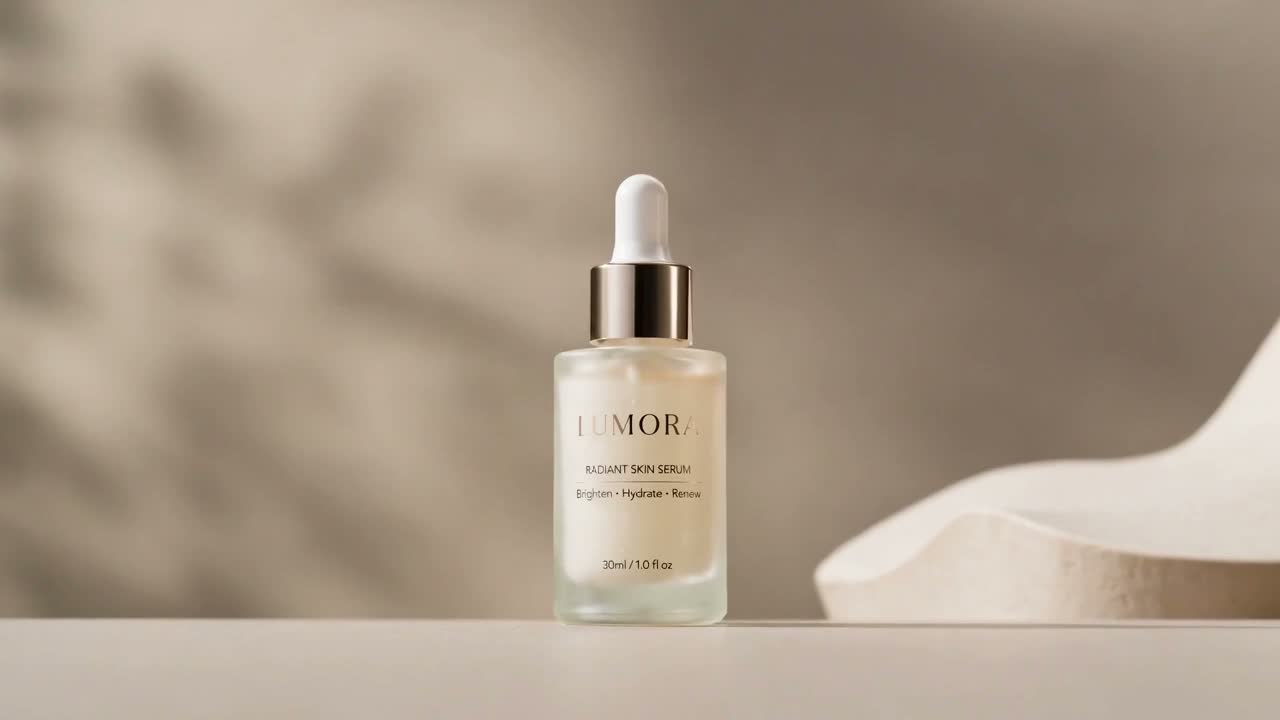
Structured examples: Cases. Reference control: Reference to Video · demo /demos/reference-to-video.mp4.
Prompts (Direction field)
Orbit showcase
Create a short cinematic product showcase with a slow camera orbit, dramatic studio lighting, and a clean premium dark background. Keep the product's shape, colors, packaging, and visible label as consistent as possible.
Push-in hero
Slow cinematic push-in toward the product, high-contrast Black Friday studio light, sharp silhouette, hold on logo at the end.
Macro detail
Macro close-up glide across product materials and edges, shallow depth of field, controlled studio light, product remains recognizable.
Bundle / set
Smooth camera move across a promo gift or bundle layout, even light, preserve each item’s colors and shapes.
UGC handheld
Handheld lifestyle product reveal, slight natural camera sway, bright indoor light, keep product centered and sharp.
→ AI UGC
Add sale % in your ad captions or video editor — the generator does not reliably burn accurate discount text into frames.
Steps
- Upload product photo on Image to Video.
- Choose preset (Showcase / Close-up / Lifestyle).
- Aspect: 9:16 social, 1:1 feed, 16:9 site.
- Resolution: 480p / 80 to iterate · 720p / 160 for finals.
- Paste prompt → Generate → Preview → Download.
- Failed jobs release reserved credits.
- Overlay price/CTA in CapCut/Premiere or native ad tools → launch tests.
Limits & fees
| | | |--|--| | Duration | 6s locked | | I2V / UGC | 80 @ 480p · 160 @ 720p | | Reference | 120 @ 480p · 240 @ 720p | | Not in v1 | Lip-sync, natural VO, 1080p | | Trust | Pricing · Refund Policy · support@reference-to-video.com |